
Download OfficeSuite APK – free office suite, document editor, Android app, Word, PDF, PowerPoint, Excel, file format support, document viewer
Overview
OfficeSuite APK is a mobile productivity tool designed for viewing and creating documents on Android devices. Formerly known as OfficeSuite Viewer, the app serves as a lightweight solution for users who need to access common file types such as Word, Excel, PowerPoint, and PDFs. It allows users to open, view, and create documents from templates, making it suitable for basic document management tasks.
The app targets casual users who require minimal editing capabilities without the need for a full desktop suite. While the developer, OfficeSuite, did not provide additional background details, the app has been available for several years, suggesting a focus on mobile document accessibility. Real-world usage scenarios include reviewing contracts, editing notes, or preparing simple presentations on the go.
However, the free version limits editing to newly created documents from templates, with most advanced functions locked behind a Pro upgrade. The app’s interface is straightforward, with tabs for recent files and search functionality. Despite its utility, the experience is hindered by intrusive advertisements and a lack of robust free features, making it less competitive compared to alternatives.
Key Features & Capabilities
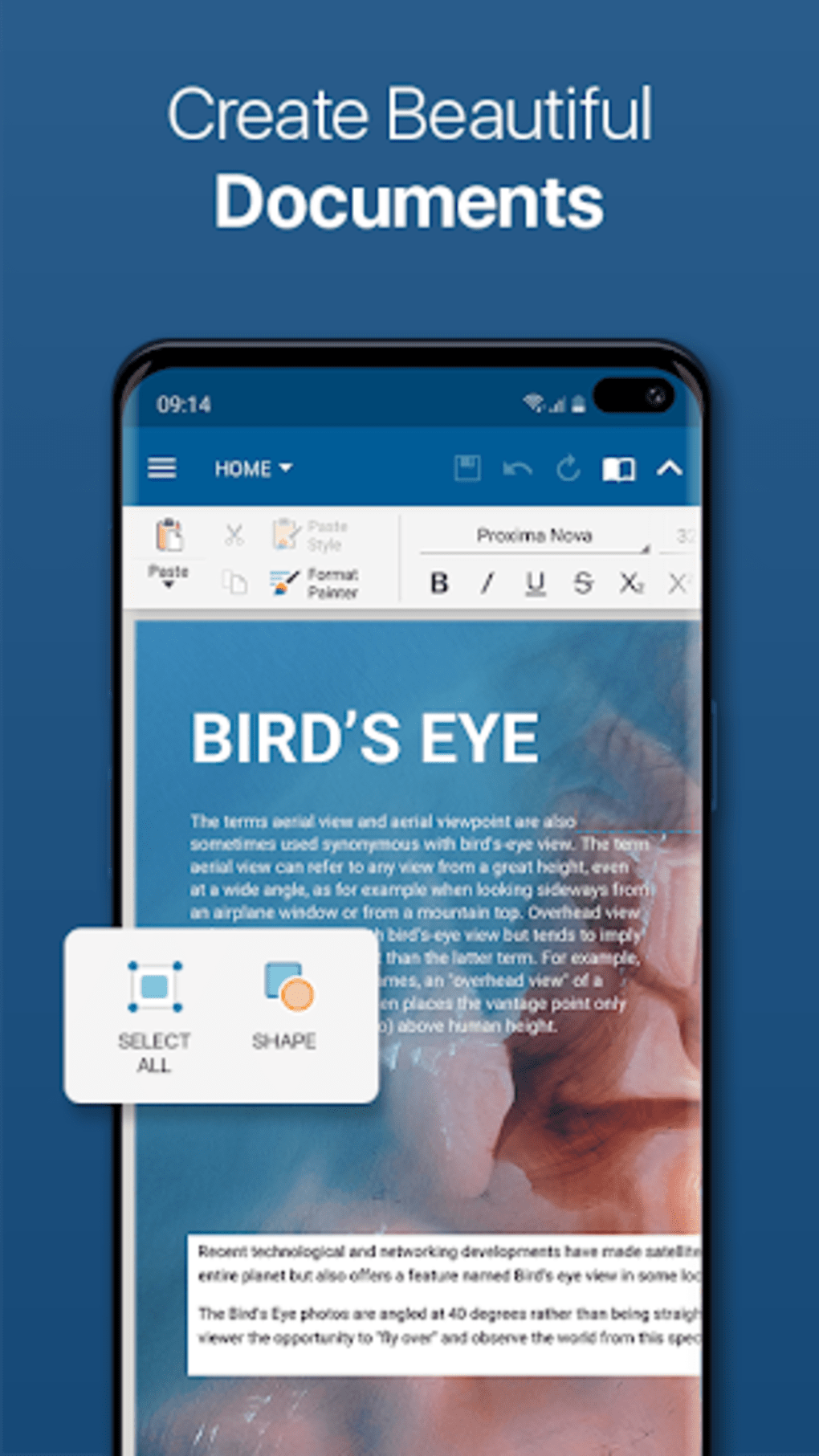
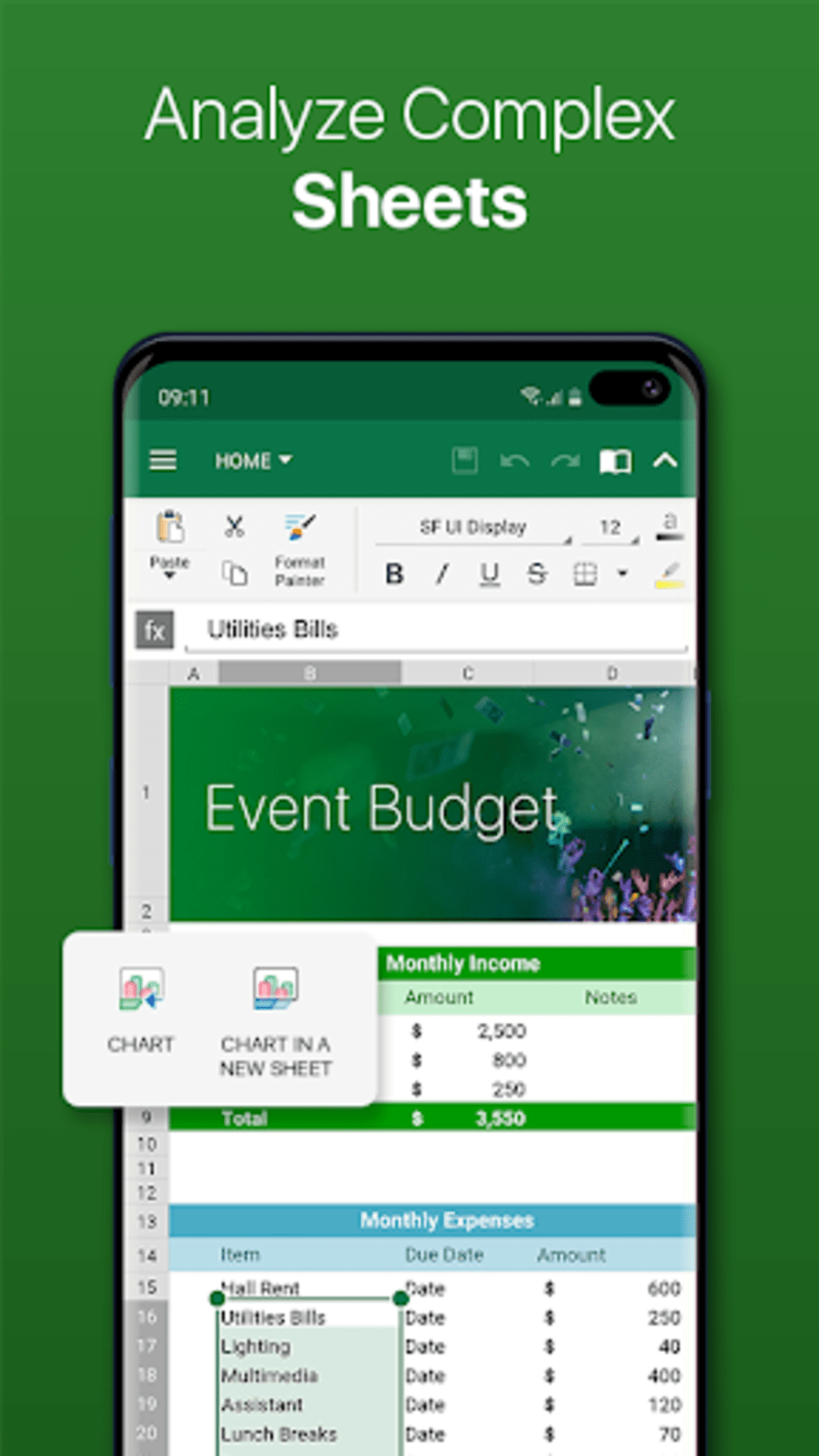
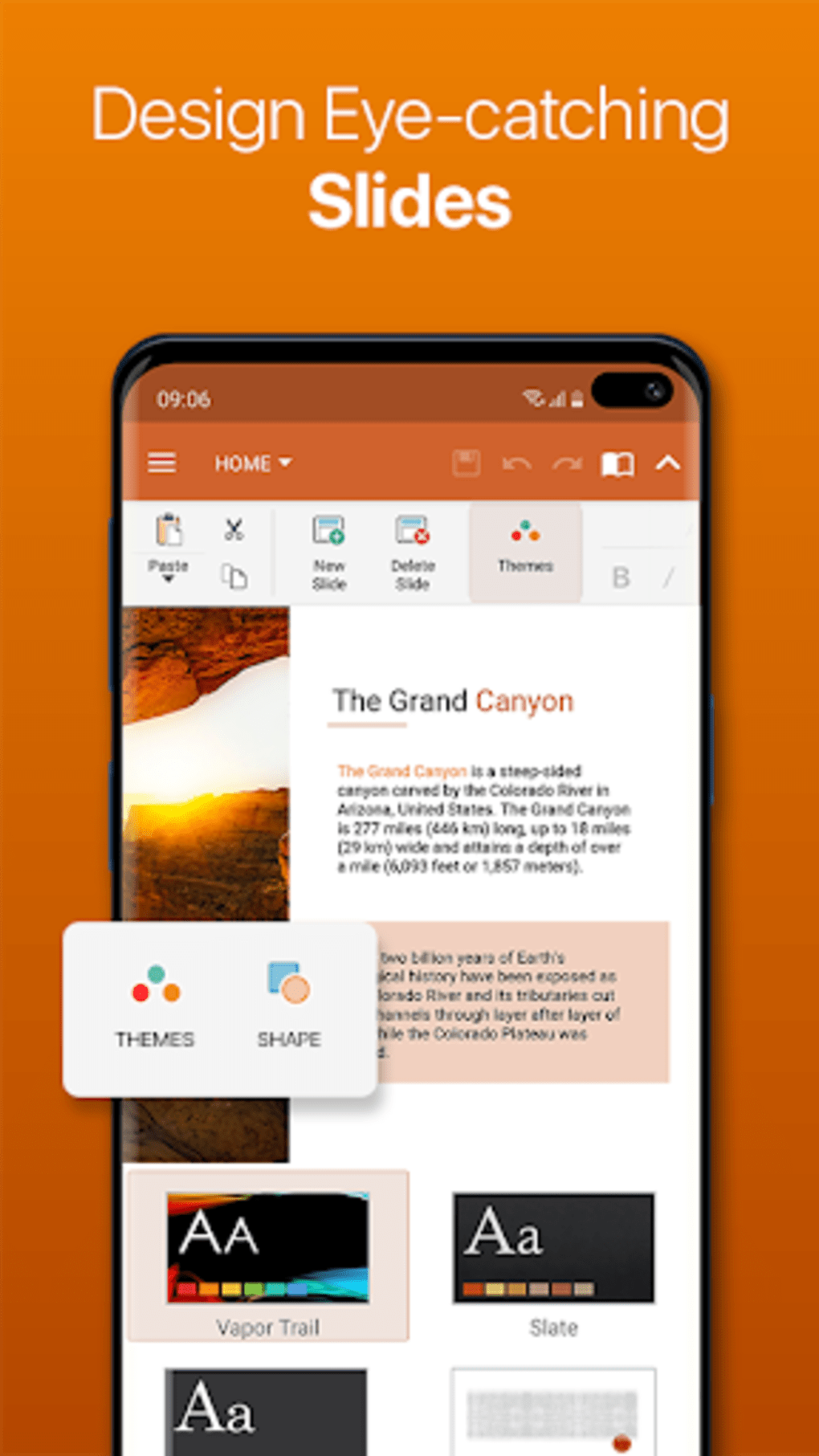
- Document Viewing and Creation: Supports opening and viewing Word, Excel, PowerPoint, and PDF files. Users can create new documents using built-in templates, enabling quick content generation.
- Template-Based Editing: Allows editing of documents created from templates, though existing files from external sources cannot be modified without the Pro version.
- File Format Compatibility: Offers support for a wide range of document formats, enhancing accessibility across different platforms and workflows.
- Remote File Access: Includes advanced options such as FTP site integration, enabling users to access and edit files stored on remote servers.
- Search and Organization: Provides filtering and search functions for recent documents, improving file retrieval efficiency.
These features are useful for users managing basic document workflows on mobile devices. The ability to create documents from templates is particularly helpful for quick note-taking or report drafting. Remote file access adds value for users who need to work with files hosted on external servers.
However, the restriction on editing existing files limits its practicality for users with ongoing document projects. The app’s functionality is intentionally limited in the free version, which may be seen as a strategy to drive Pro upgrades. Without the Pro version, users are restricted to a narrow set of actions, reducing the app’s overall utility for more demanding tasks.
User Interface, Workflow & Performance
The user interface of OfficeSuite APK is designed with simplicity in mind, featuring tabs for recent documents and a search bar for file retrieval. Navigation is intuitive, allowing users to switch between document types and manage files with minimal effort. The workflow for creating and editing documents from templates is straightforward, making it accessible to users with limited technical experience.
However, the presence of intrusive advertisements disrupts the editing and viewing experience, potentially affecting usability during extended sessions. Performance observations are based on general software behavior patterns, as exact performance details were not specified. The app does not appear to consume excessive resources, but the impact of ads on responsiveness is notable.
Stability during document rendering and basic editing tasks appears consistent, though no specific data on crash rates or freezing incidents was provided. The developer did not specify resource usage details, so CPU and RAM behavior cannot be assessed. Overall, the interface is functional but lacks polish, and the user experience is diminished by frequent ad interruptions.
Compatibility & System Requirements
OfficeSuite APK is designed for Android devices and is compatible with the latest versions of the operating system. The app version is 10.5.2, released on March 15, 2024. It has a file size of 50.5 MB, indicating a lightweight installation.
The developer did not specify exact system requirements, including minimum RAM, processor, or storage needs. Compatibility information was partially provided, with no mention of specific Android versions or hardware configurations. Users should ensure their device meets standard Android app requirements for smooth operation.
The app does not support other platforms such as iOS or desktop operating systems. Installation is straightforward, but users should be aware that the free version comes with limited functionality and frequent advertisements.
Pros and Cons
Pros
- Free access to document creation from templates
- Supports multiple file formats including Word, Excel, PowerPoint, and PDF
- Includes remote file access via FTP integration
- Simple and intuitive interface for basic navigation
- Search and filter options for managing recent documents
Cons
- Intrusive advertisements disrupt user experience
- Limited editing capabilities in the free version
- Cannot edit existing documents without upgrading to Pro
- Lacks advanced features available in competing apps
- Interface feels outdated compared to modern office suites
FAQ Section
Is OfficeSuite APK compatible with all Android devices?
OfficeSuite APK is designed for Android, but exact compatibility details were not provided. Users should ensure their device meets standard Android app requirements for installation and operation.
Is the free version of OfficeSuite safe to use?
Yes, the app is available for free and does not require additional permissions beyond standard document access. However, the presence of advertisements may affect the user experience.
Can I edit existing documents in the free version?
No, the free version does not allow editing of existing documents. Editing is only permitted for files created from templates.
Does OfficeSuite support offline usage?
Yes, once documents are downloaded or created locally, they can be accessed and edited offline. Remote file access via FTP requires an active internet connection.
How often are updates released for OfficeSuite APK?
Version 10.5.2 was released on March 15, 2024. The update frequency is not specified, but the developer continues to maintain the app.
Final Thoughts
OfficeSuite APK offers a basic set of tools for viewing and creating documents on Android, making it a viable option for casual users who need minimal functionality. While it supports essential file types and includes useful features like template-based editing and remote file access, its free version is severely limited. The intrusive advertisements and lack of editing capabilities for existing files significantly reduce its appeal.
Compared to free alternatives from Google and Microsoft, OfficeSuite falls short in both feature set and user experience. It is not recommended for professional or intensive document work. However, users seeking a simple way to create documents from templates without cost may find it acceptable.
For those requiring full editing capabilities, upgrading to the Pro version is necessary. Download OfficeSuite APK now to explore its free features, but be prepared for limitations.





.png)

